
RapidFetch press kit.
Facts, approved copy, real product assets and the claim rules for covering RapidFetch — a free, open-source download manager for Windows 10/11 with a native Chrome extension. No trial, account or subscription.
The facts, without the pitch.
Use these values in listings and coverage. The release page is the source of truth for version, size and checksums.
- Product
- RapidFetch
- Category
- Download manager / Windows utility
- Platform
- Windows 10 and 11, 64-bit
- Browser
- Chrome, Edge, Brave, Vivaldi, Opera and Chromium (Manifest V3)
- Version
- 1.0.0, released 5 November 2026
- License
- MIT — source on GitHub
- Price
- Free for life — no trial, account or subscription
- Data
- Local-only; no analytics, telemetry or advertising SDK
- Installer
- 74.4 MB, per-user, no administrator rights; unsigned
- Extension
- 38 KB ZIP, manual install while the Chrome Web Store listing is pending
- Press contact
- GitHub issues (public) or the same channel used for this pitch
Use these descriptions as-is.
Pick the length that fits. The boundaries in the long version are part of the description, not fine print.
RapidFetch is a free, open-source download manager for Windows 10/11 with a native Chrome extension. Segmented, resumable transfers. No trial, account or subscription.
RapidFetch is a free download manager for Windows 10/11 with a native Chrome extension. It uses up to 32 HTTP range connections per file, resumes interrupted transfers, captures video and HLS, and includes queues and a scheduler. MIT-licensed, local-only, and free for life — no trial, account or subscription.
RapidFetch is a free, open-source download manager for Windows 10/11 with a native Chrome extension. It takes over browser downloads and accelerates them with up to 32 segmented HTTP range connections, then resumes from a .part file and segment map if the app closes or the machine reboots. It also captures direct video, audio and HLS playlists from Chrome, and includes batch queues, scheduling, speed limits, categories and optional yt-dlp support. There is no trial clock, account, subscription, telemetry or activation server. The code is MIT-licensed. The Chrome Web Store listing is pending, so the extension currently installs from an official ZIP.
What it is
- A native Windows download manager with segmented, restart-safe transfers.
- A Manifest V3 Chrome/Chromium extension that captures downloads, links, media and HLS.
- Free for life: no trial clock, account, subscription or activation server.
- MIT-licensed, local-only, and inspectable on GitHub.
What it is not
- Not a DRM bypass, and not a "download anything" tool.
- Not a macOS, Linux, Android or iOS app.
- Not on the Chrome Web Store yet; the listing is pending.
- Not affiliated with Tonec Inc. or Internet Download Manager.
The one-line story: a download manager should not cost $30 and nag you — RapidFetch is free for life, and the source is on GitHub.
Real product, ready to publish.
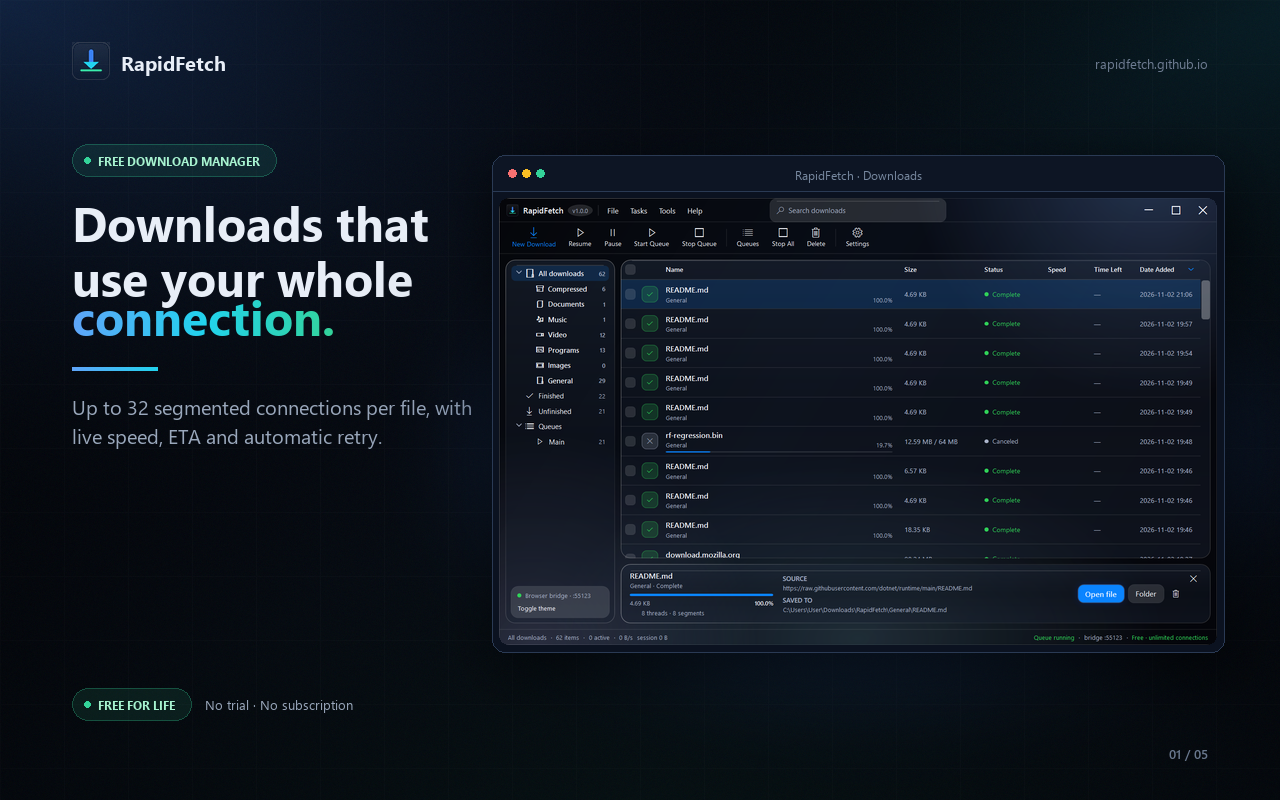
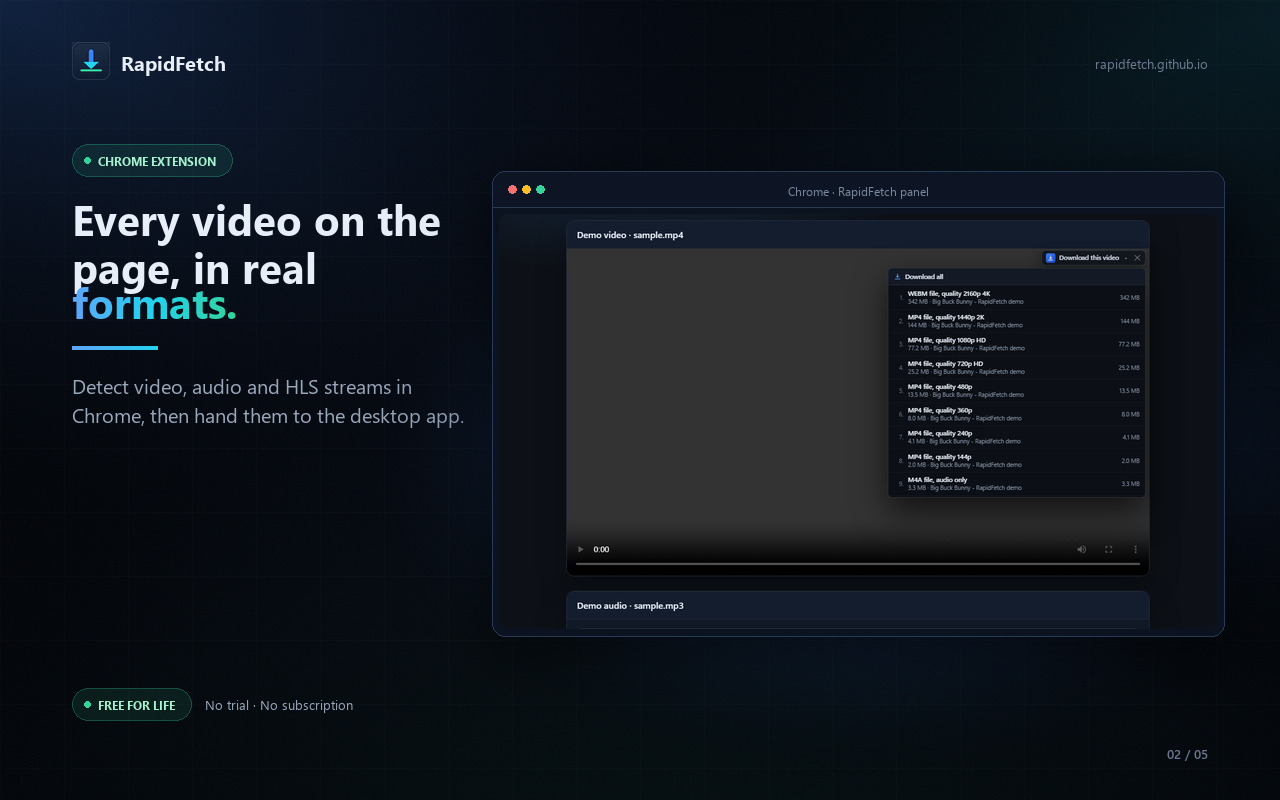
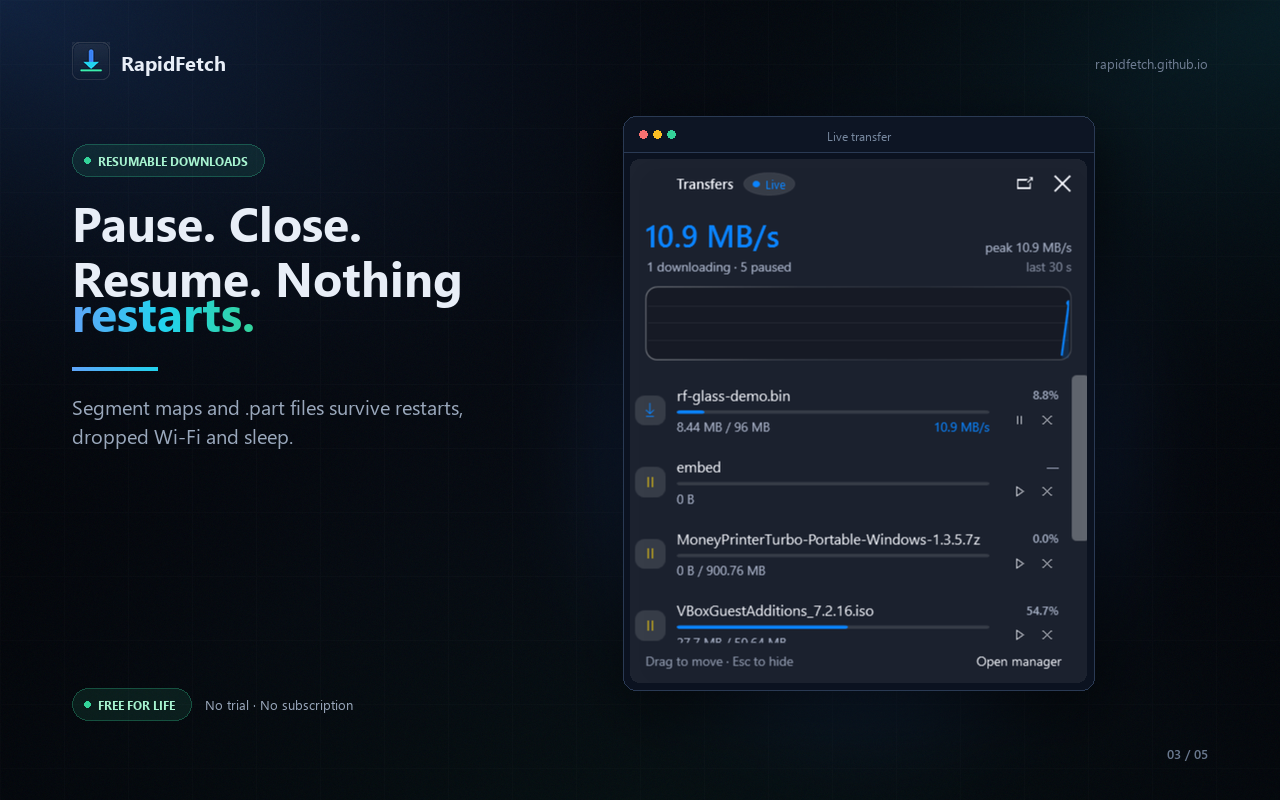
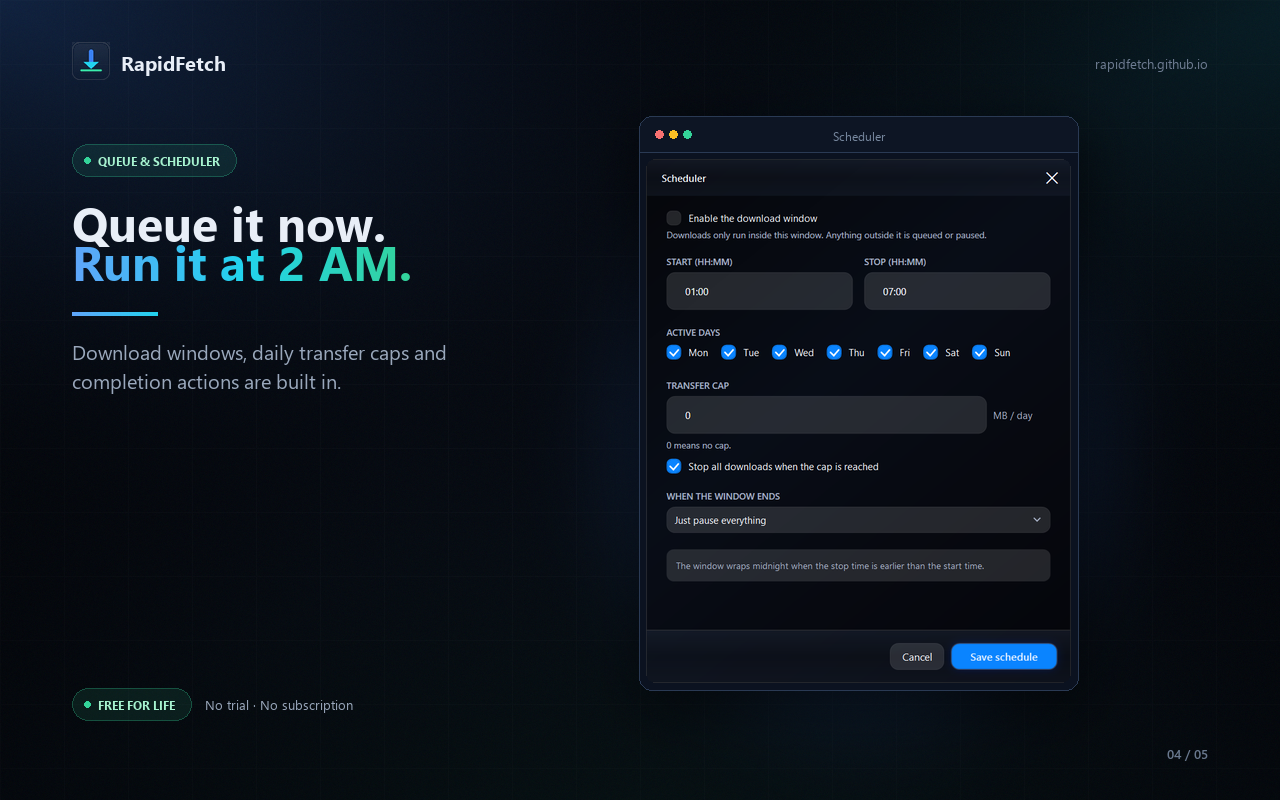
Every image below is the actual app. The teaser uses the public-domain Big Buck Bunny demo page. No competitor logos or third-party site UI.
15-second vertical teaser
1080×1920, 30 fps, 14.7 seconds, H.264/AAC, 4.3 MB. Burned-in copy and UI sound effects; no music bed, so a platform track can be added at upload.
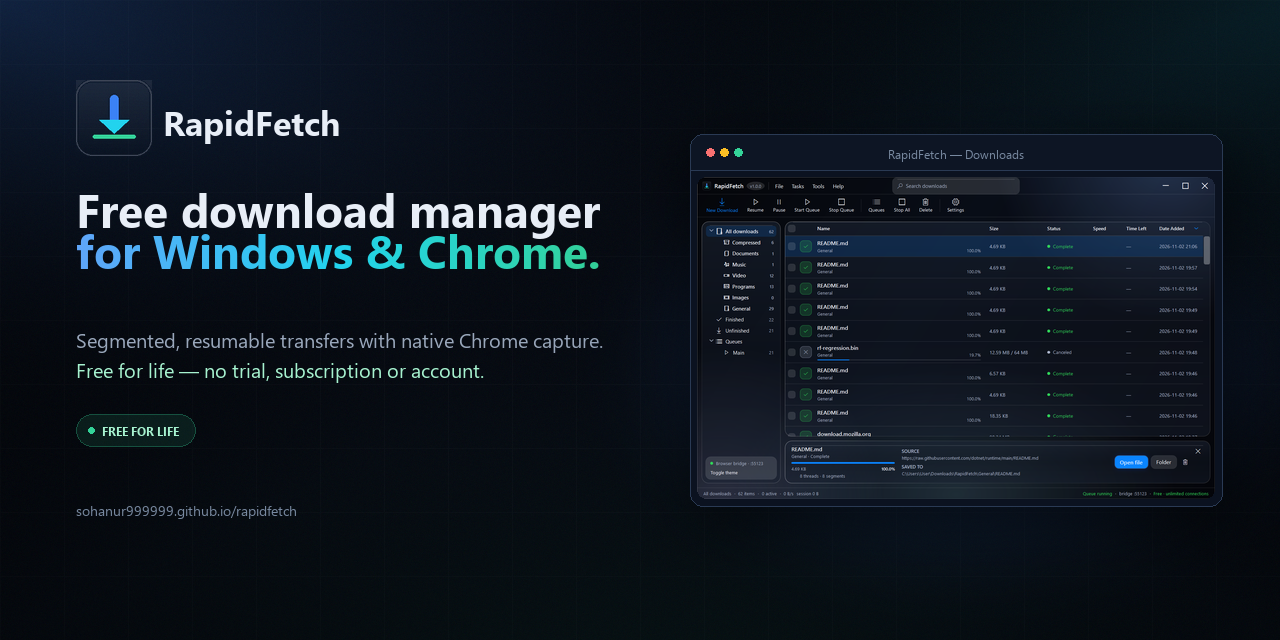
Social preview and posters
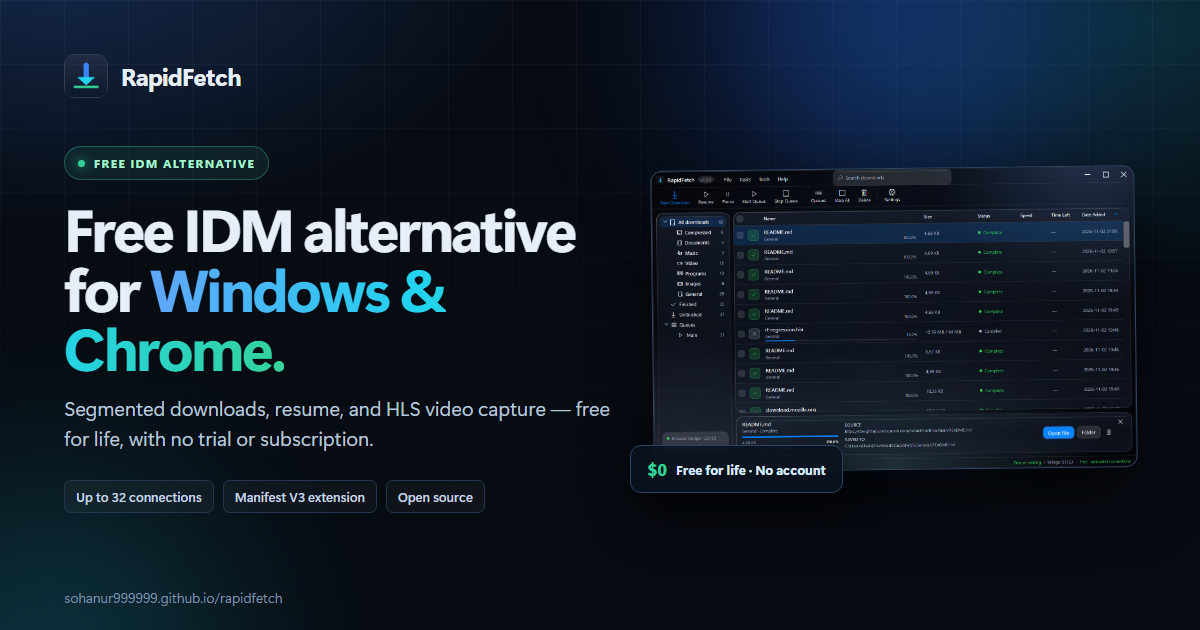
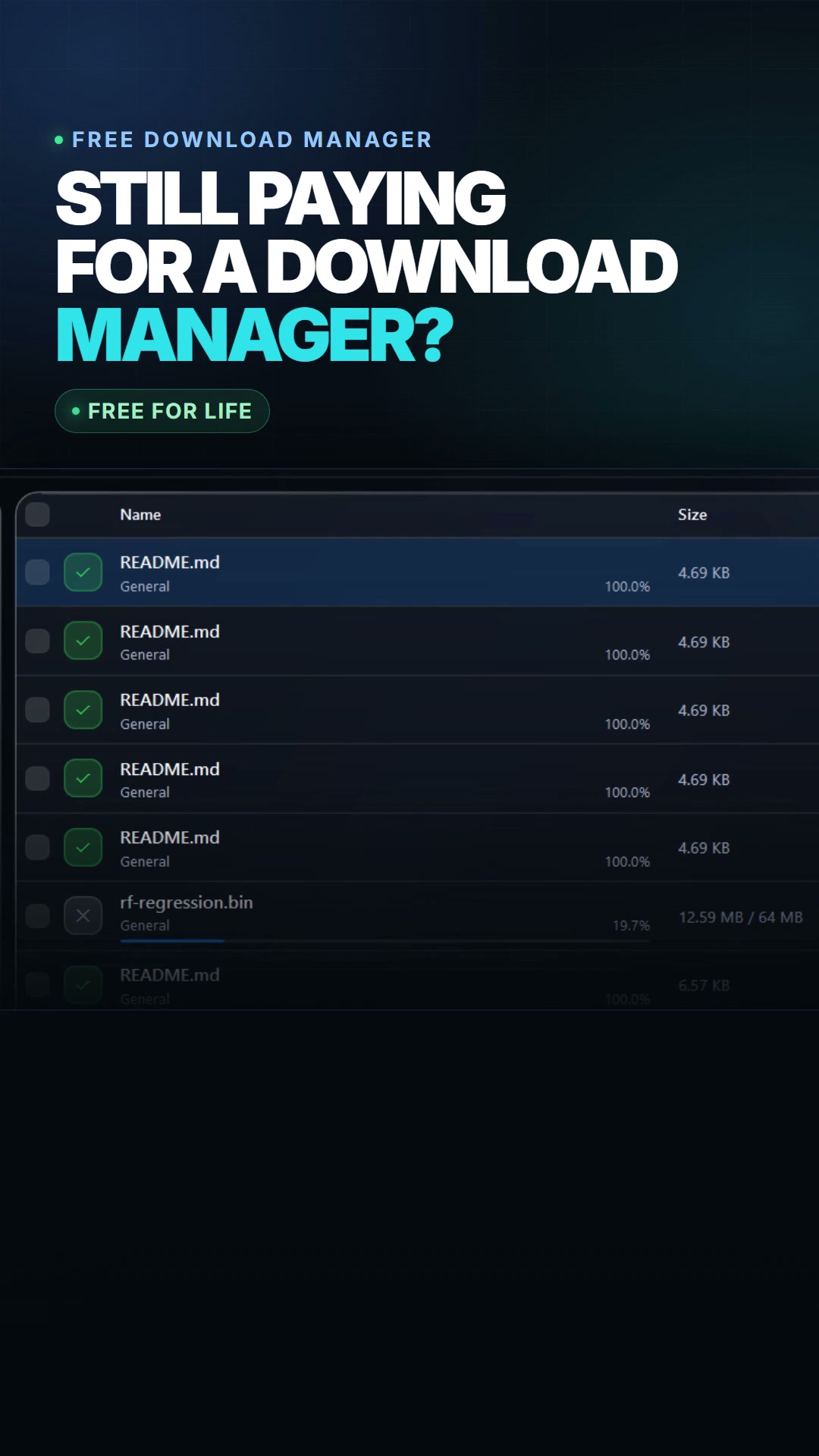
Use the 1200×630 blog hero or the 1280×640 social preview for link cards. The vertical posters are 1080×1920.
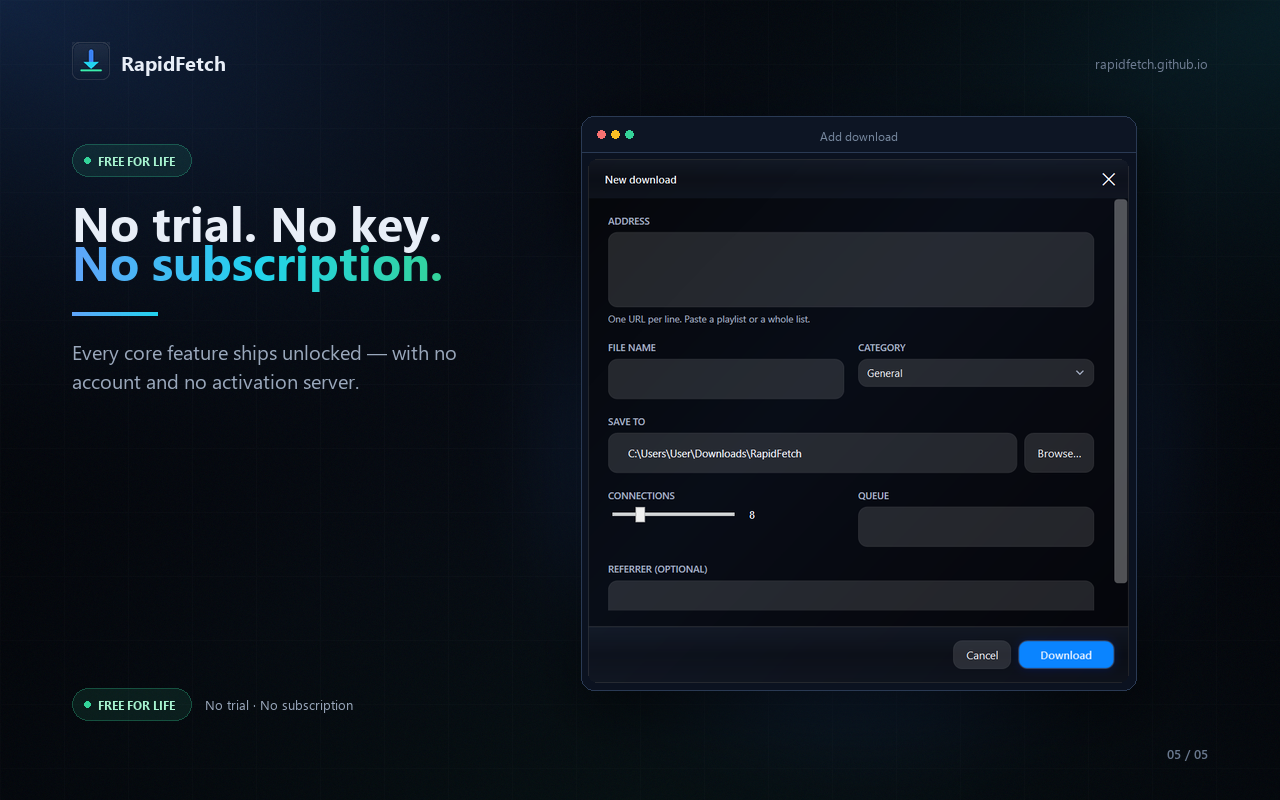
What we can prove — and what we cannot.
These rules exist so coverage stays accurate. If a claim is not on the left, ask before publishing it.
Approved
- Free for life: no trial, account, subscription or activation server.
- Up to 32 HTTP range connections per file when the server supports ranges.
- Restart-safe resume from a
.partfile and segment map. - Chrome/Chromium download, link, media and HLS capture.
- MIT license; local-only data; no analytics or telemetry.
- "IDM alternative" as a descriptive category, with no logo or implied affiliation.
Avoid
- "Faster than IDM" without a published benchmark.
- "Download any video" or any claim that implies DRM bypassing.
- "Available on the Chrome Web Store" before the listing is live.
- macOS, Linux, Android or iOS support.
- Fake user counts, reviews, awards or "featured on" badges.
- Competitor logos, YouTube/Netflix/Spotify UI, or copyrighted stills.
Two caveats to include
- The installer is unsigned. Windows SmartScreen may show "Unknown publisher." The release page has a matching
.sha256file and the source is public. Do not tell readers to disable antivirus. - The Chrome Web Store listing is pending. The extension currently installs from the official ZIP via
chrome://extensions→ Developer mode → Load unpacked. There is no working store link to publish yet.
From download to first transfer.
The desktop app is required; the extension is the browser bridge. A clean Windows 10/11 VM and a clean Chrome profile are the best test.
- Download the installer from the latest release. Compare it with the matching
.sha256file. - Run the per-user setup. It does not require administrator rights and registers the native messaging host.
- Load the extension ZIP. Extract it to a permanent folder, open
chrome://extensions, enable Developer mode, click Load unpacked, and select the folder containingmanifest.json. - Test a download. Use a legal test file; confirm the transfer appears in the desktop app, then pause and resume it.
- Report anything odd. Open a GitHub issue with the Windows version, browser version, server URL if shareable, and what you expected.
About RapidFetch
RapidFetch is an independent, MIT-licensed project built by a solo developer (sohanur999999 on GitHub). It is a clean-room Windows download manager and Chrome extension, not a rebrand of an existing product. The goal is simple: keep the useful parts of a download manager — segmented transfers, resume, queues, scheduling and browser capture — and remove the trial clock, account and subscription.
For questions, corrections or an asset in another format, open an issue or reply to the outreach message. We will correct factual errors in coverage and update this page when the Chrome Web Store listing goes live.